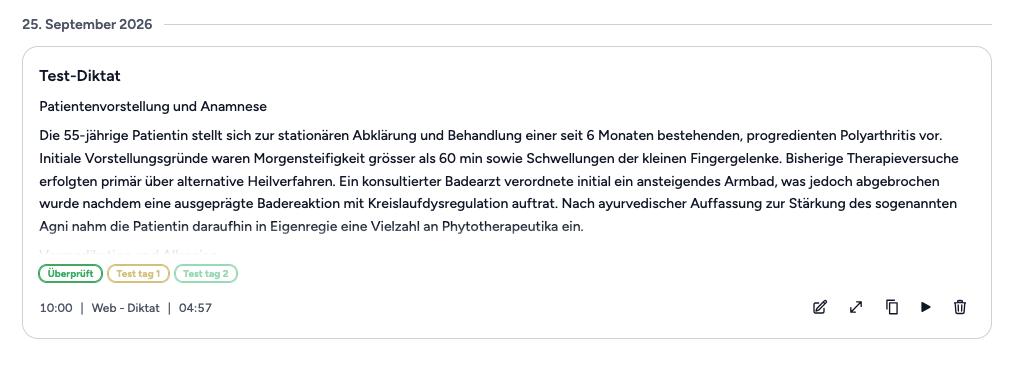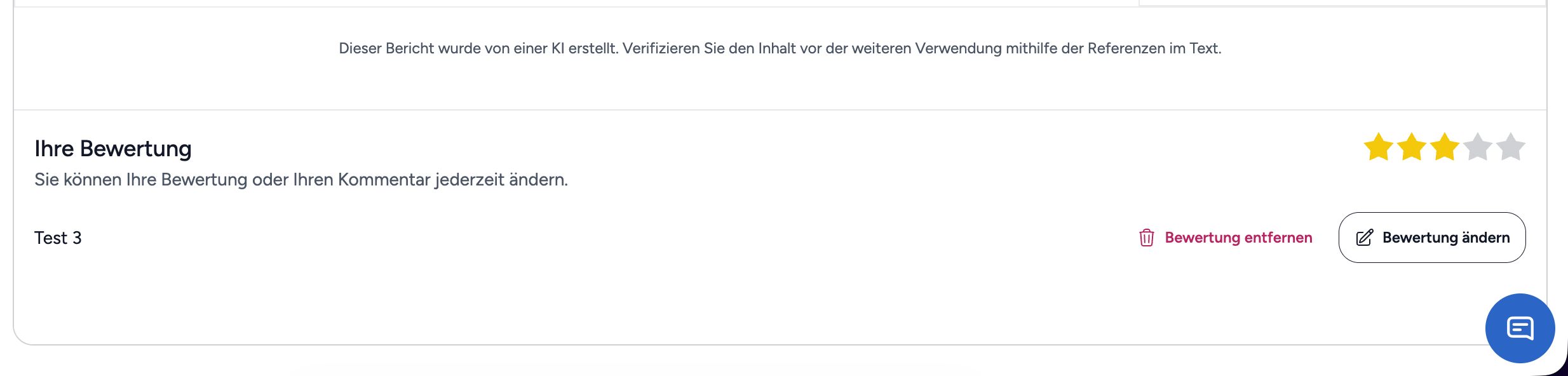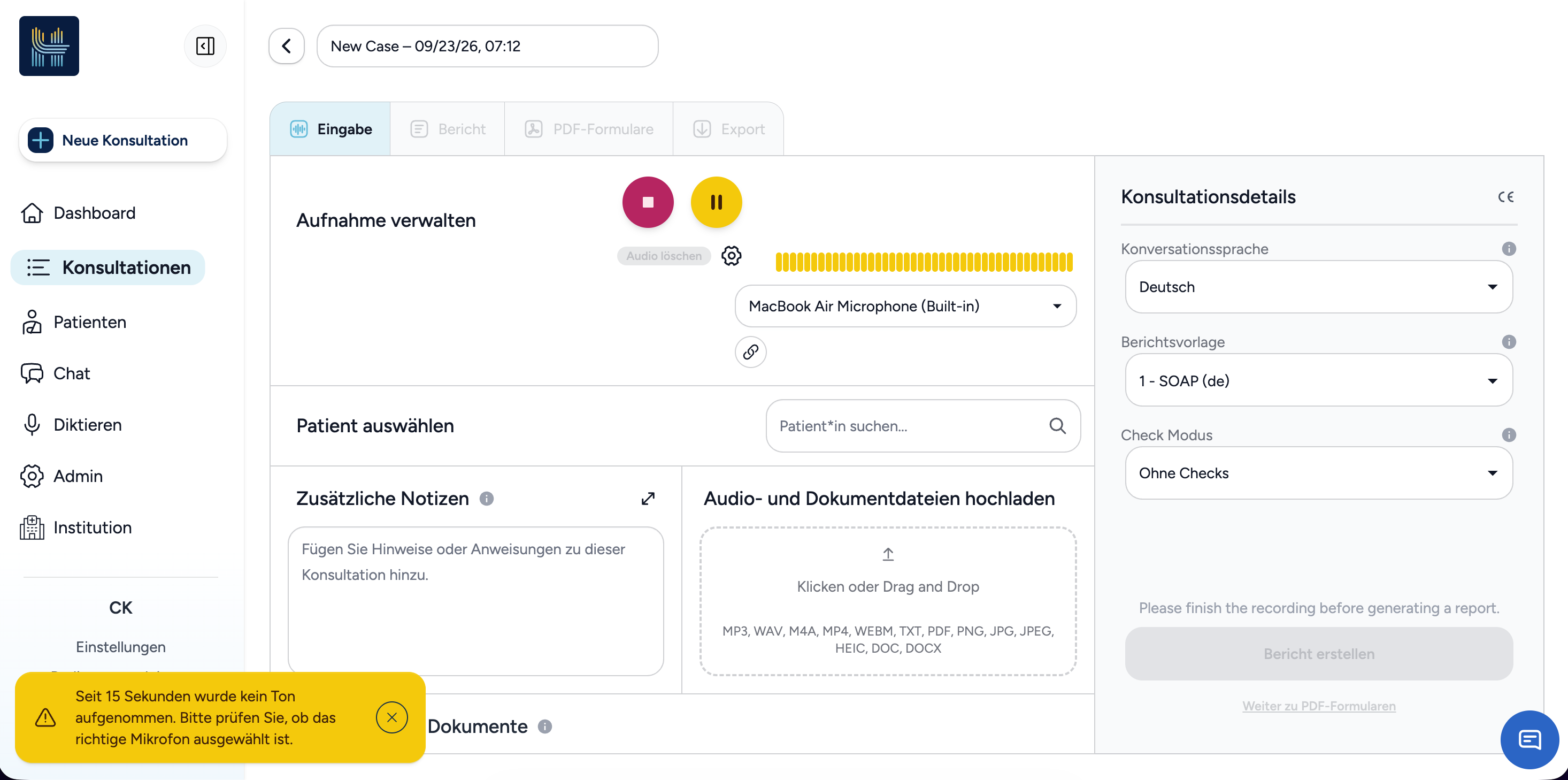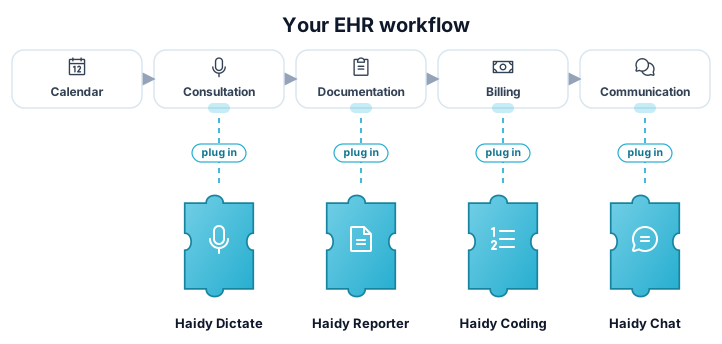
Haidy products plug into your EHR workflow like puzzle pieces

Integrate Haidy into your healthcare software

Learn how to integrate Haidy into your healthcare software and enable AI-powered workflows for your customers with ease.

Two ways to integrate

Choose the integration model that fits your system and workflow.

Recommended
Your AppHaidy UIHaidy Appoptional1Jump-off2Redirect back

Web jump-off

Your system and Haidy sync data in the background, while the user is redirected to the Haidy UI to record and review consultations. Once the action is finished, the user is redirected back to your application.

  • No audio recording to build or maintain
  • Reports rendered correctly by the Haidy UI, including references
  • Fastest to integrate and lowest maintenance
Learn about jump-off
Your AppHaidy APIREST

API endpoints

Full programmatic access to the Haidy API for systems that embed the workflow themselves: transcription, report generation, and ICD-10 coding endpoints.

  • Direct REST access to every product
  • Full control over the end-user experience
  • You are responsible for audio and report rendering
Browse the API reference

How access works

The Haidy API is not licensed per integration partner. Access is per end user.

1

Your users register on Haidy

End users create a Haidy account on haidy.ch and choose a paid subscription.

2

They receive their own API key

Each user gets their own API key as part of their subscription. There is no separate partner-level licensing.

3

Your integration uses their key

Your product authenticates Haidy API calls with the end user's key, so access is always tied to a valid account.

Every end user who uses a product integrated with Haidy needs a valid API key. Users register on haidy.ch, choose a paid subscription, and receive API keys they can use with your integration.

How to get started

Latest Release Notes

What's new in the Haidy.

v2.5.7 Release Notes

September 11, 2026

This release adds support for professional dictation microphones, brings analytics to institution administration, and introduces preparations for the MediCloud integration, along with several improvements and bug fixes.

What's New

  • UI Professional dictation microphones: Philips SpeechMike/SpeechOne and Nuance PowerMic microphones, as well as foot controls, are now supported in Chrome and Edge. The device's REC and STOP buttons start and stop recordings, and its LED shows whether a recording is active. This works across dictation in chat, the report editor and additional notes, on the Dictate page, and for consultation recordings.

Professional dictation microphone setup

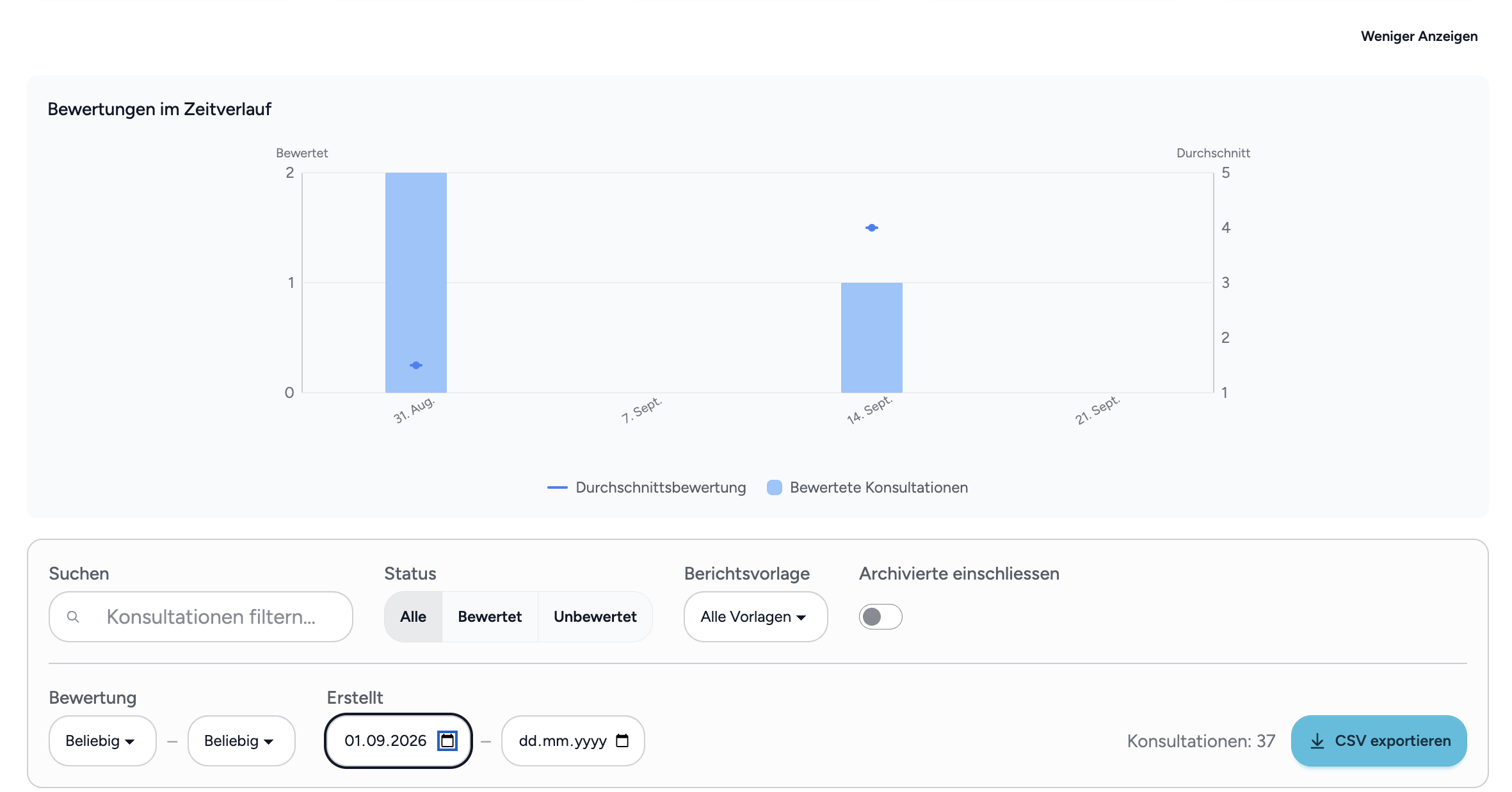
  • UI API Analytics in institution administration: Institution administrators now find the consultation ratings in a new "Analytics" tab, with statistics, search and status filters, a date range, CSV export, and who submitted each rating. The institution page is now organised in tabs.

Institution analytics tab with consultation ratings

  • API MediCloud integration: When a consultation is approved, its report can be delivered automatically to MediCloud. This is in Beta now. Contact your 44ai representative to have the integration set up.

Improvements

  • UI Dictate page tabs: The "Dictate" and "History" views are now switched via tabs, and the selected view is kept when reloading the page or opening a shared link.

Dictate page tabs

  • API KISIM documents keep their patient name: Patient names are now read from the subject line of KISIM e-mails, so imported documents are no longer stored without a patient name; special characters in subject lines are decoded correctly.

  • UI Requesting custom report templates: The request page is now reachable directly where templates are chosen, in consultation setup, the report editor and onboarding.

  • UI Reports without source references: For institutions that prefer reports without source references, these can be switched off; the "Show references" option is then hidden in the report editor.

  • UI Calendar tags in all views: Consultation tags are now also shown in the weekly and daily calendar views, and the edit button for planned consultations is inside the consultation card.

Calendar tags in all views

  • API Security improvements: We hardened the security of our platform to further reduce the risk of vulnerability exploits.

Bug Fixes

  • UI Long recordings keep their transcript: When a status check fails briefly, Haidy now retries automatically instead of abandoning the transcription.

  • API AI Large documents analysed reliably: Fixed a rare case where the first classification code of a large document could be lost, which caused the EPD metadata extraction to fail with missing codes.

  • API AI Consistent dates in report generation: Dates are now written in a single format, removing rare cases where a date could be misread.

  • UI API Various smaller fixes: Seat expiry dates no longer appear one day early in some timezones, and patient files with missing type information are repaired automatically.